
Set it once
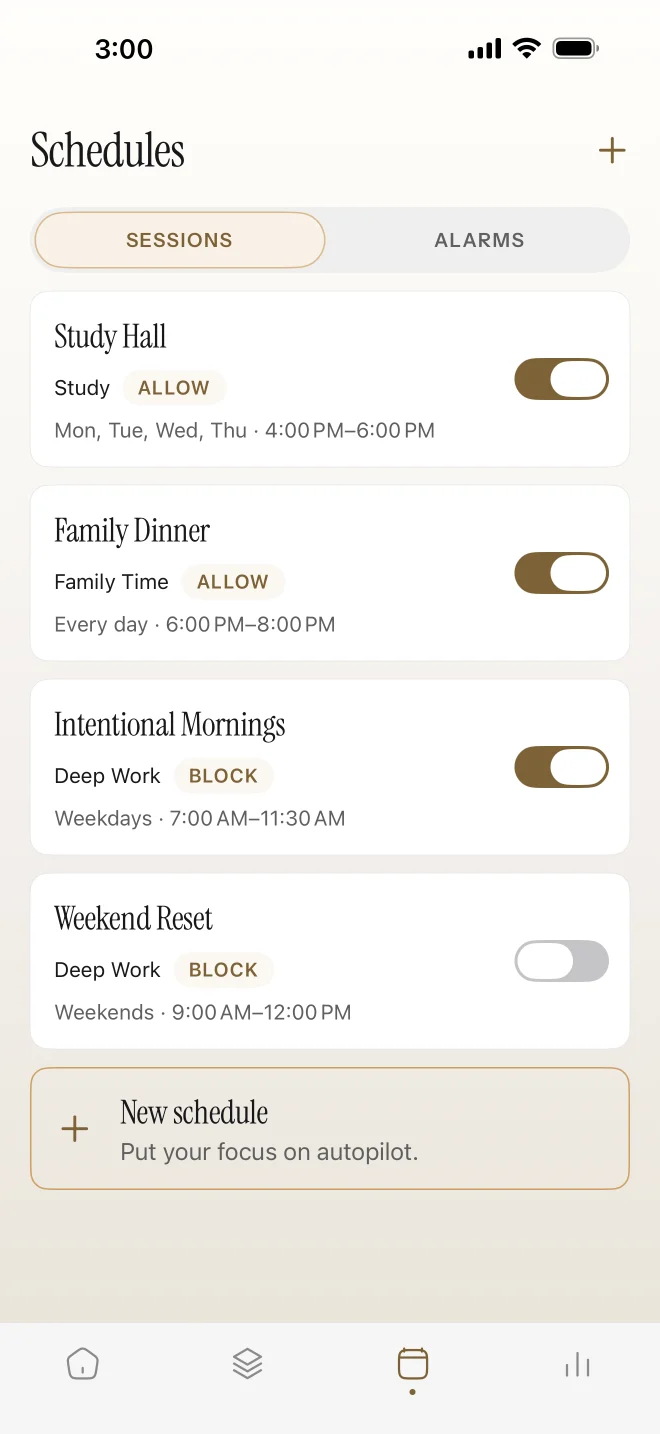
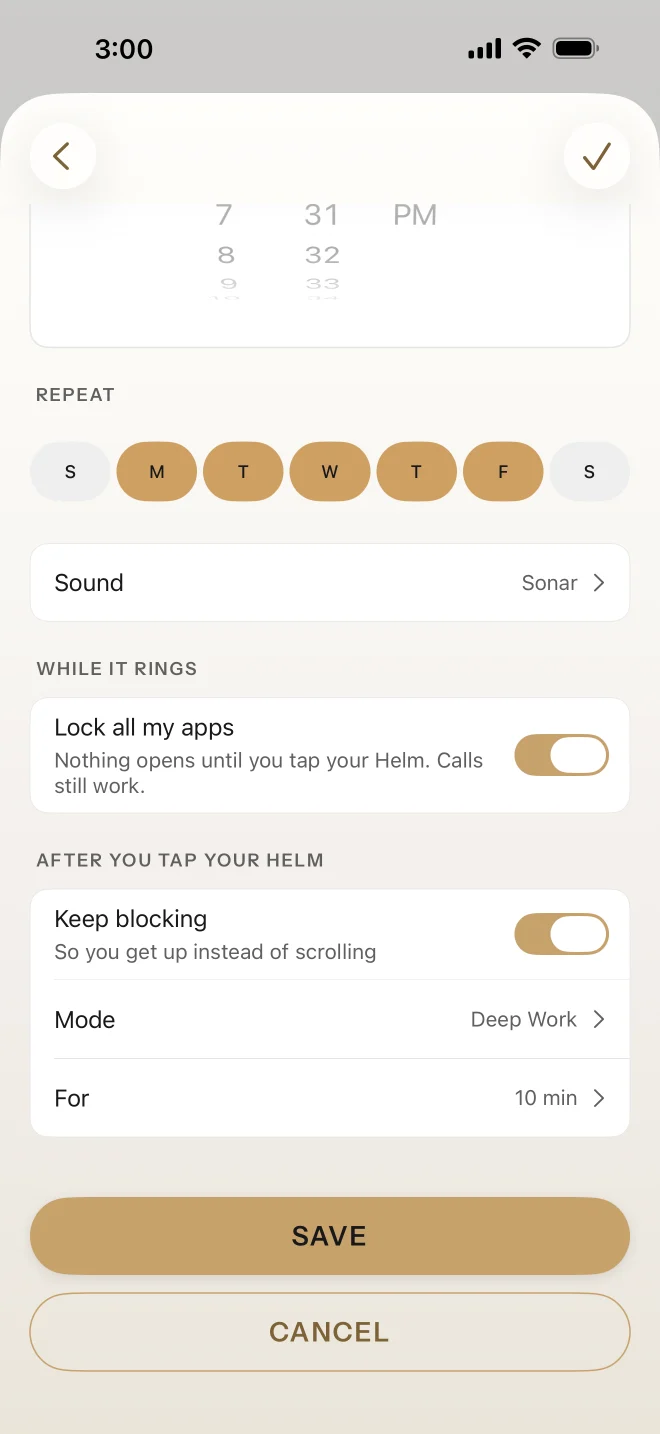
Monday's discipline protects Friday's exhausted self. Pick the days and times, and Helm starts blocking on its own. When the schedule ends, your apps come back. Tap your Helm if you want to end one early.
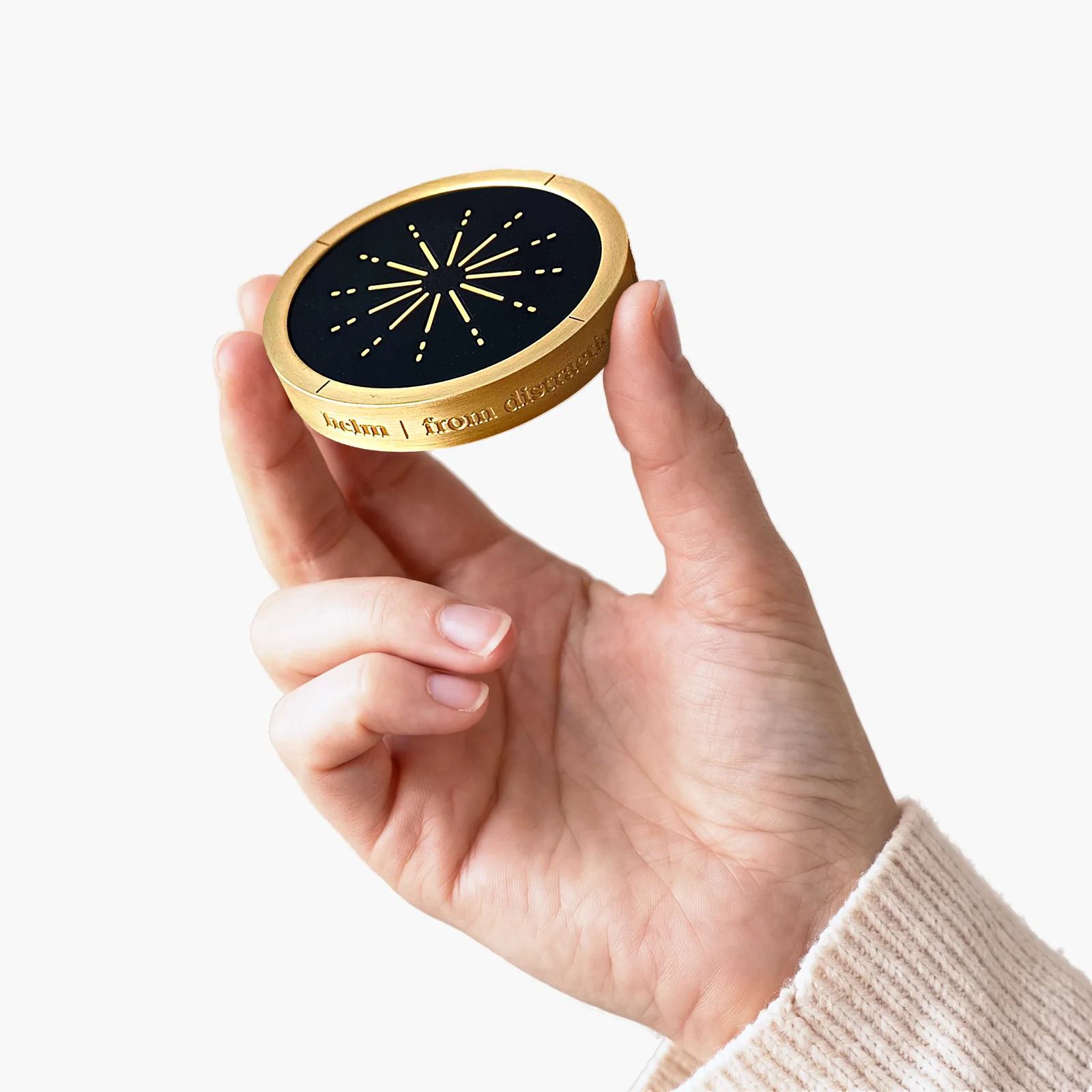
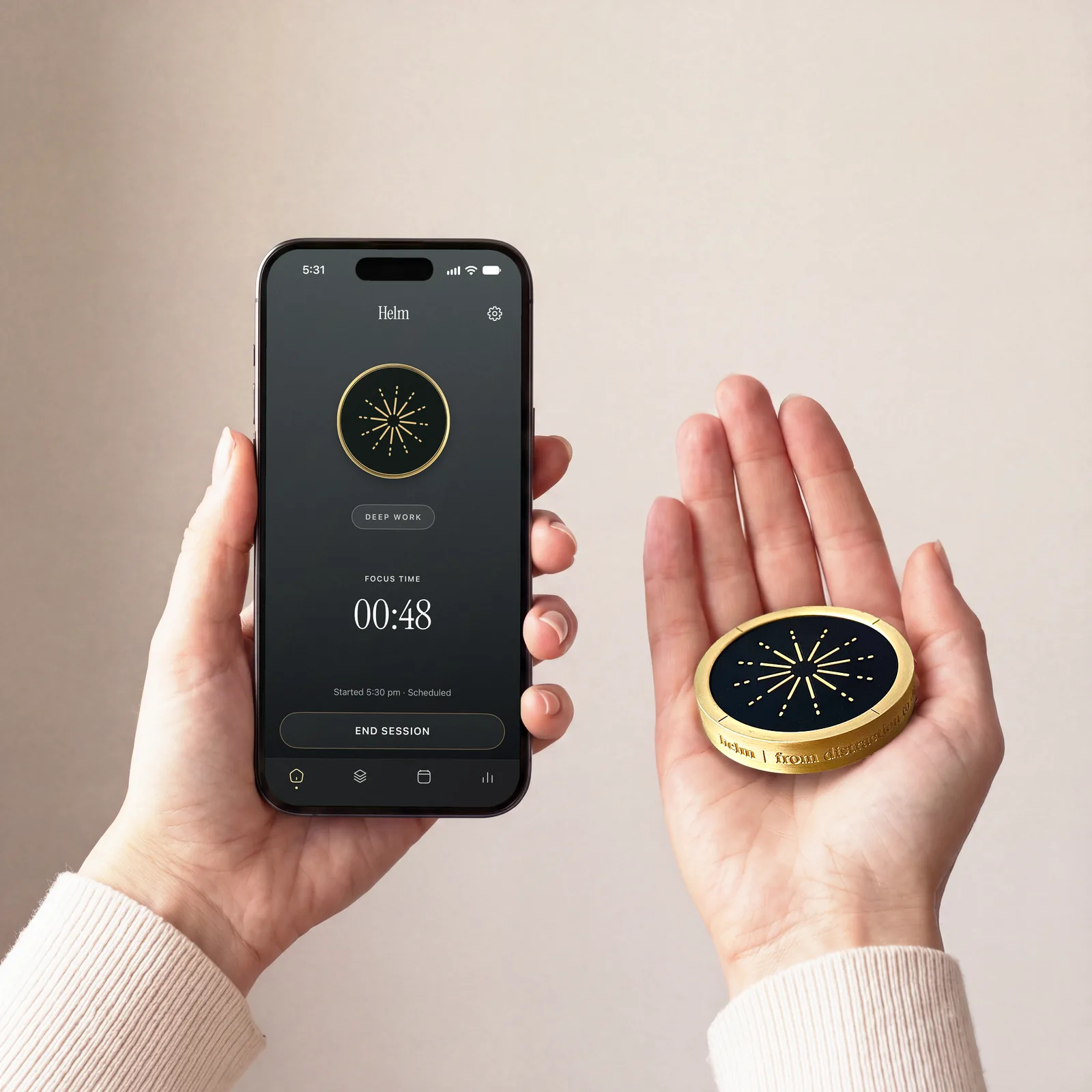
Touch brass. Your phone, your terms. Helm locks the apps you pick, and they stay locked until you tap it again. Everything else keeps working.
Free gift: the Focus Stack, five playbooks for deep work, ADHD, parents, couples and burnout.
30-day returnsFree US shippingNo subscription
“After I purchased Helm it has really helped me with focusing on tasks and increasing my deep work.”
Works with
 Download formacOS
Helping teams stay focused at
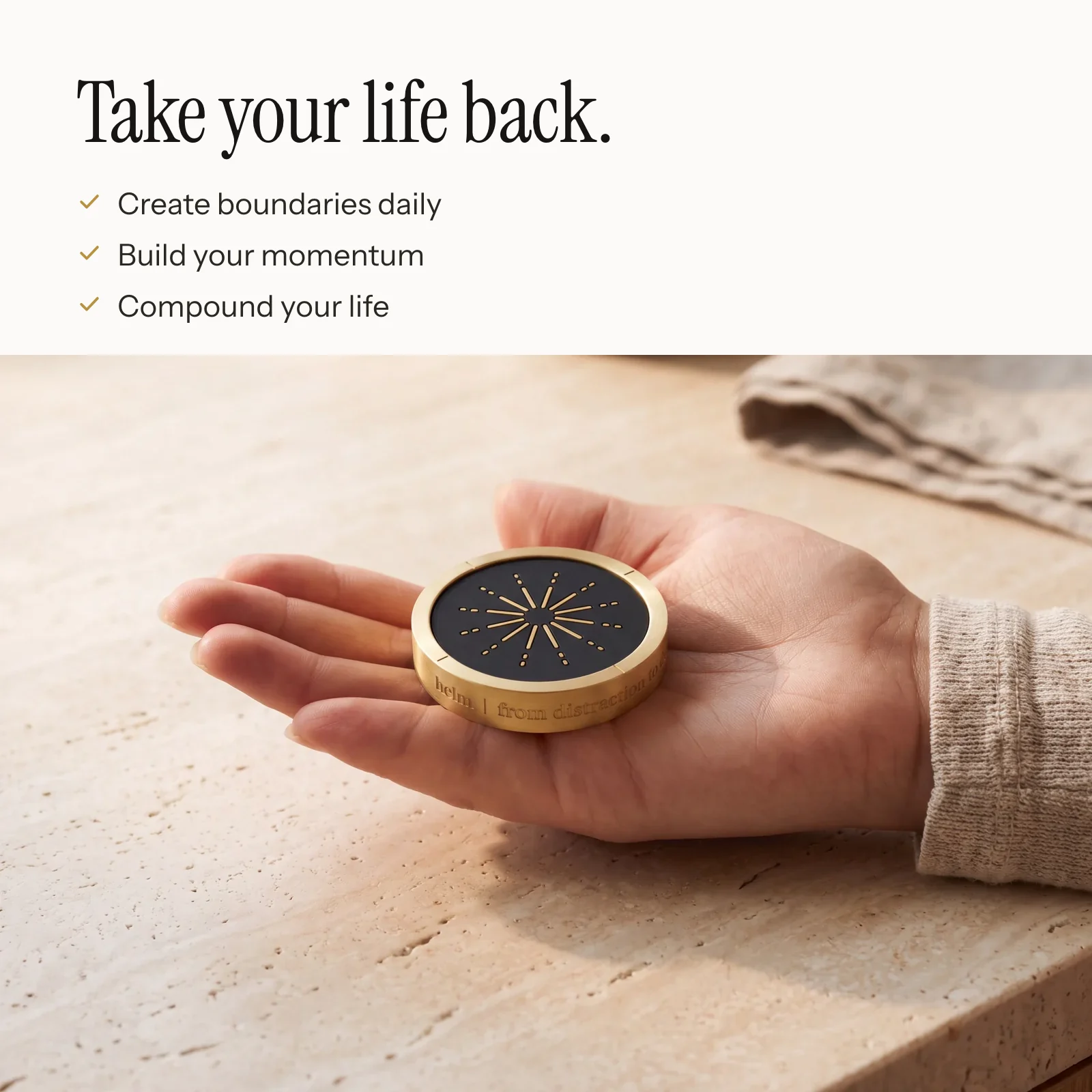
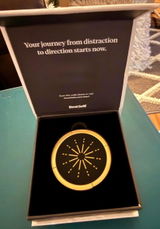
Solid brass, made to sit out where you can see it.
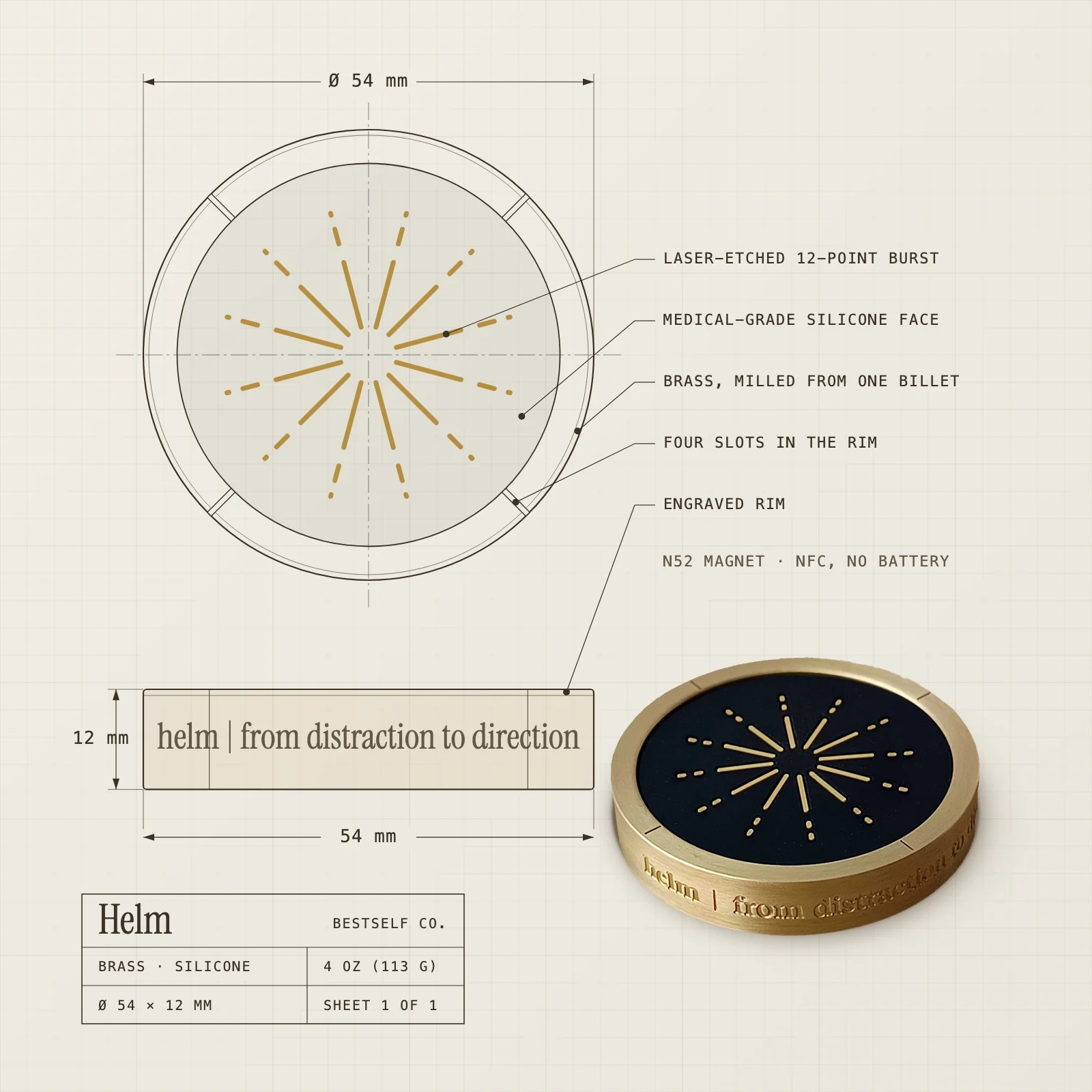
Solid brassMatte silicone faceN52 magnetNFC, no battery54 × 12 mm4 oz
Distance is the strategy. Helm lives where it makes you move, and that 20-foot walk is your moat against midnight scrolling. On the way over, ask yourself: do you actually need your phone, or do you just want it?
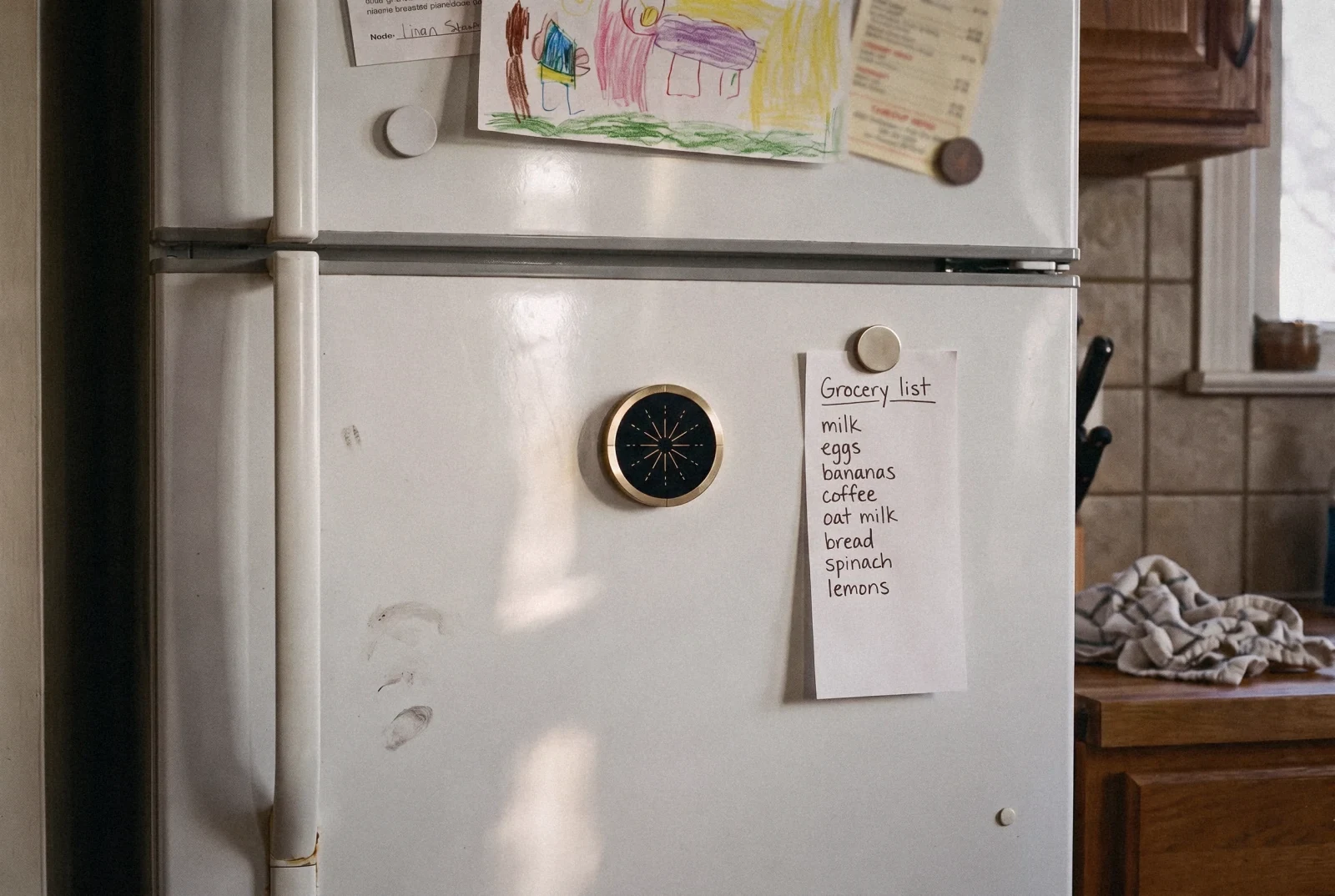
On the fridge.
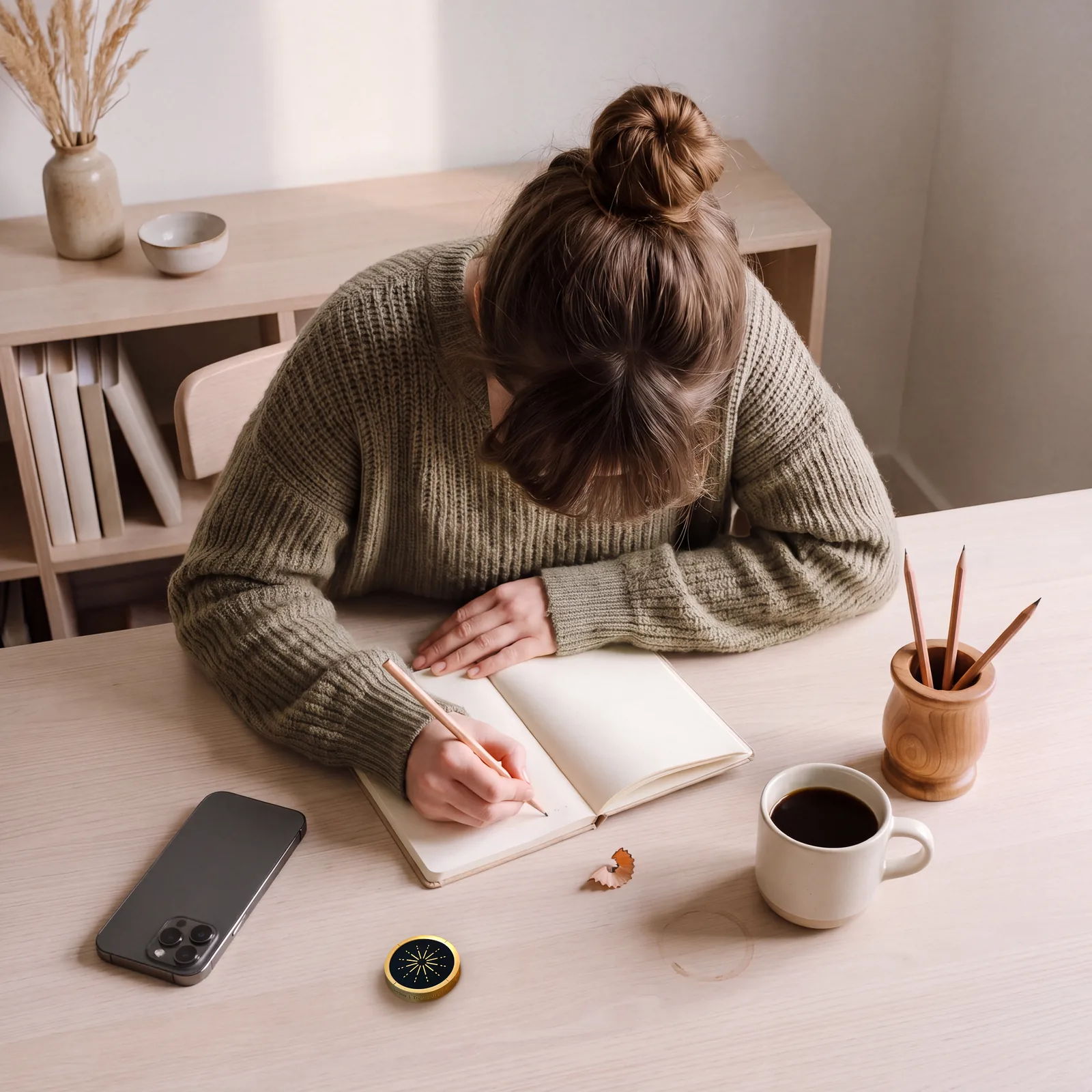
On your desk.
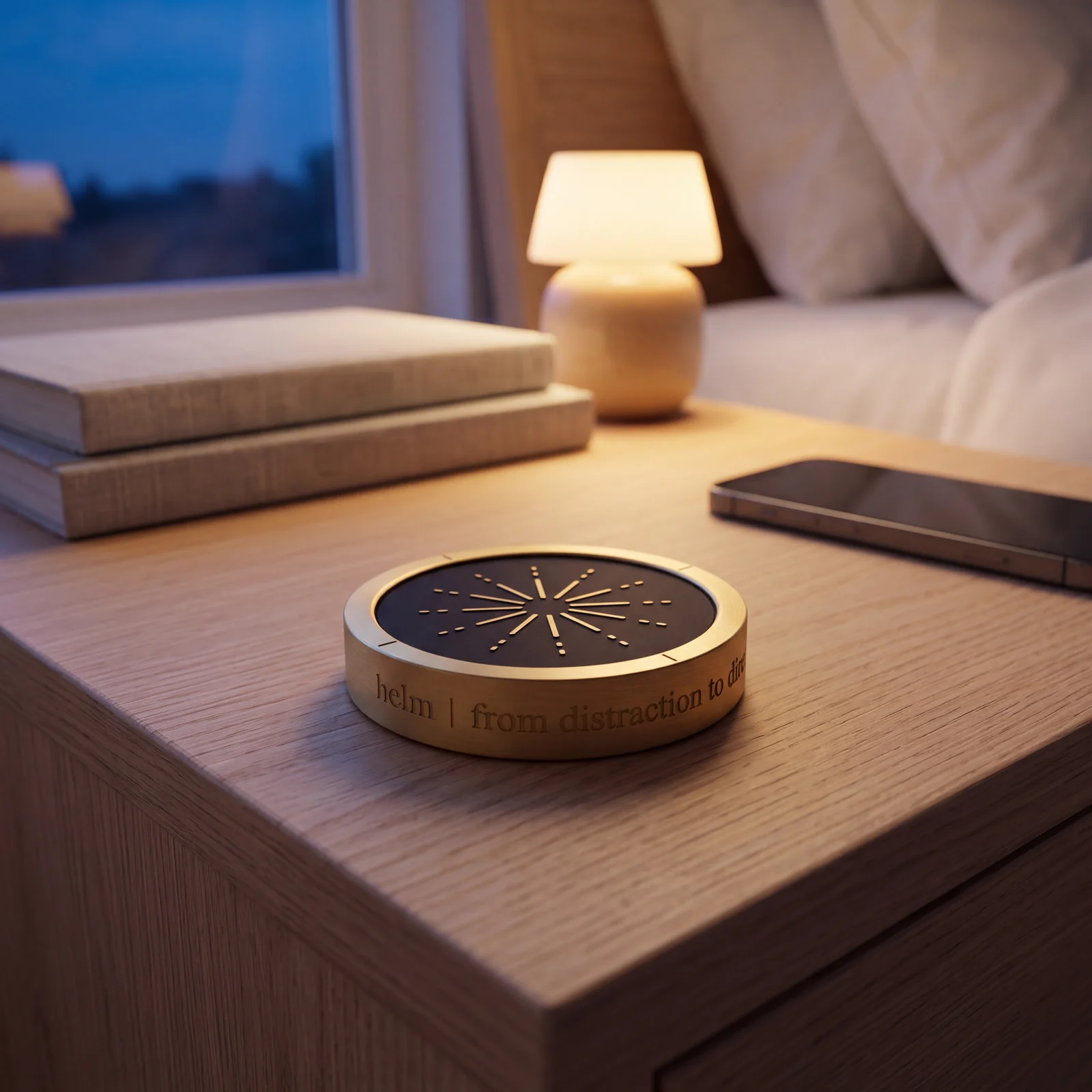
By your bed.
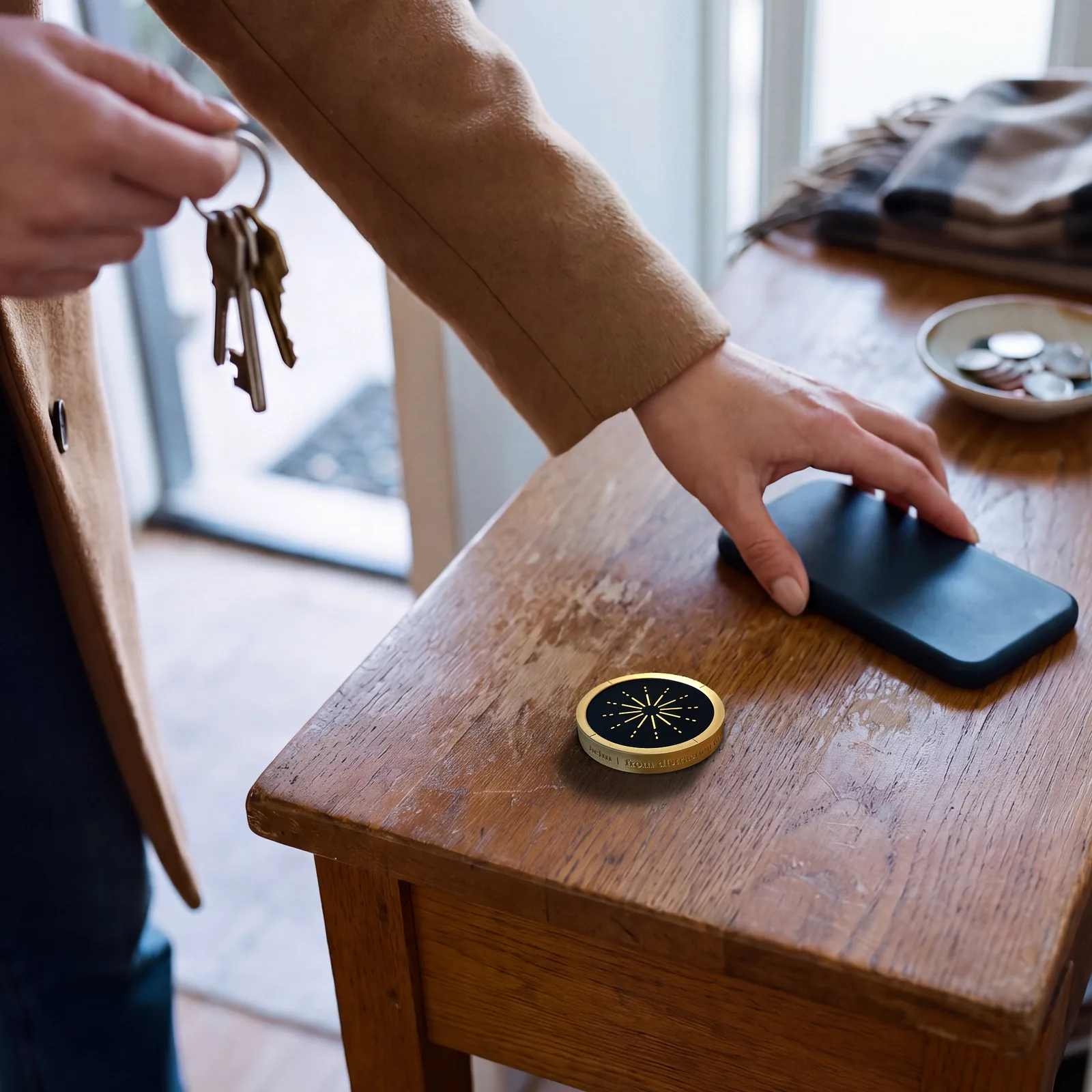
Leave it at home.
520 people took a memory test with their phone silenced. Only where the phone sat changed.
Average working memory score
Resisting your phone takes attention. In a Helm session your apps are locked, so there's nothing to resist.
Ward, Duke, Gneezy and Bos, "Brain Drain", Journal of the Association for Consumer Research, 2017. Experiment 1, operation span scores from figure 1.
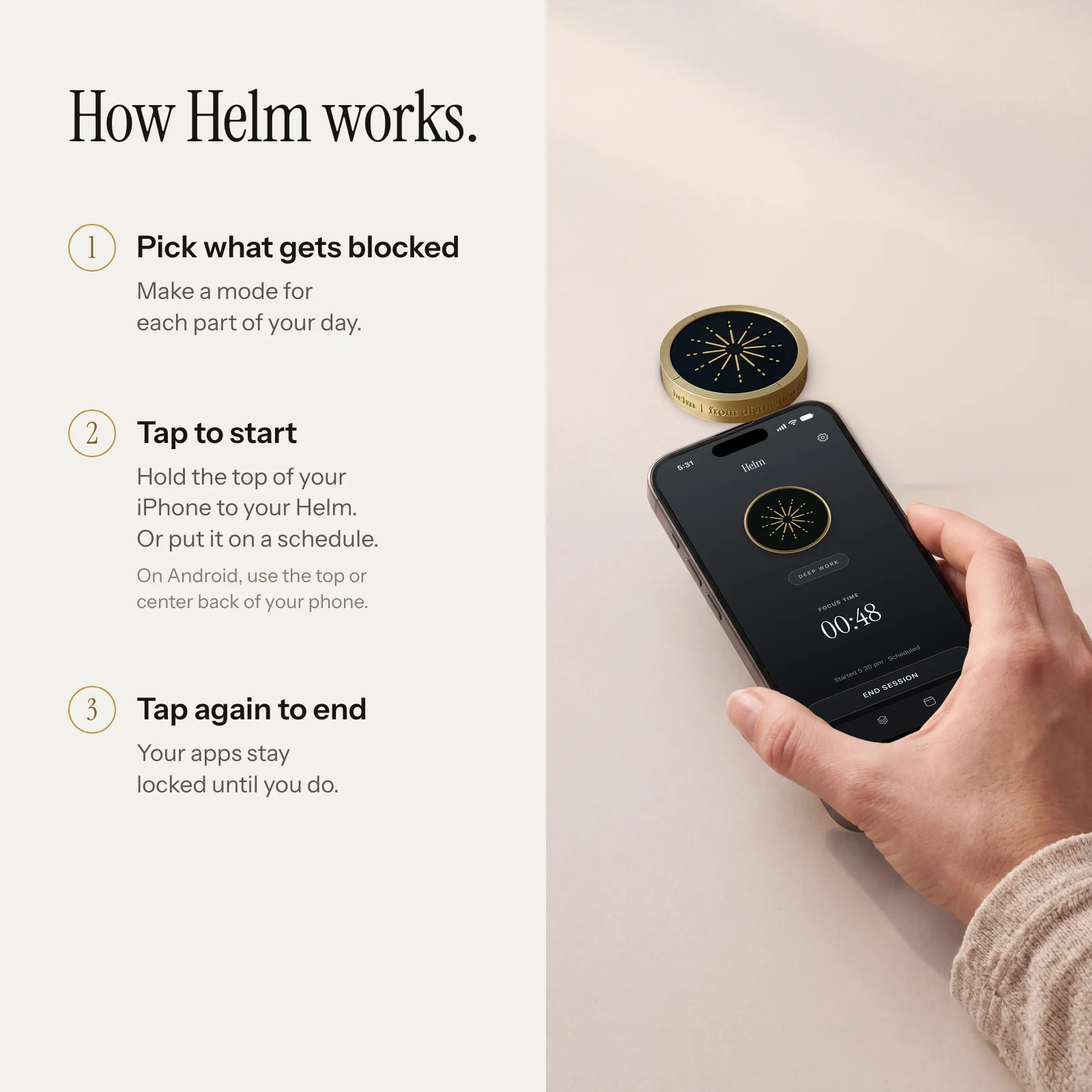
Apps are designed to addict. Helm is designed to protect. Three steps to start, then tools for the hardest parts of the day.
Make a mode for each part of your day. Deep Work can block social apps and news. Family Time can allow only the few apps you need.
Hold Start Session for two seconds, or turn on Start with a Helm tap in Settings. The apps you picked go dark.
Your apps stay locked until you hold your iPhone near the top of your Helm, the schedule ends, or you reach the unlock goal you set.
Pick how many breaks you get when you start. Each lasts 15 minutes. When they're gone, they're gone.
2 breaks left for this session
To end early, get up and tap your Helm. Giving up takes more effort than following through.
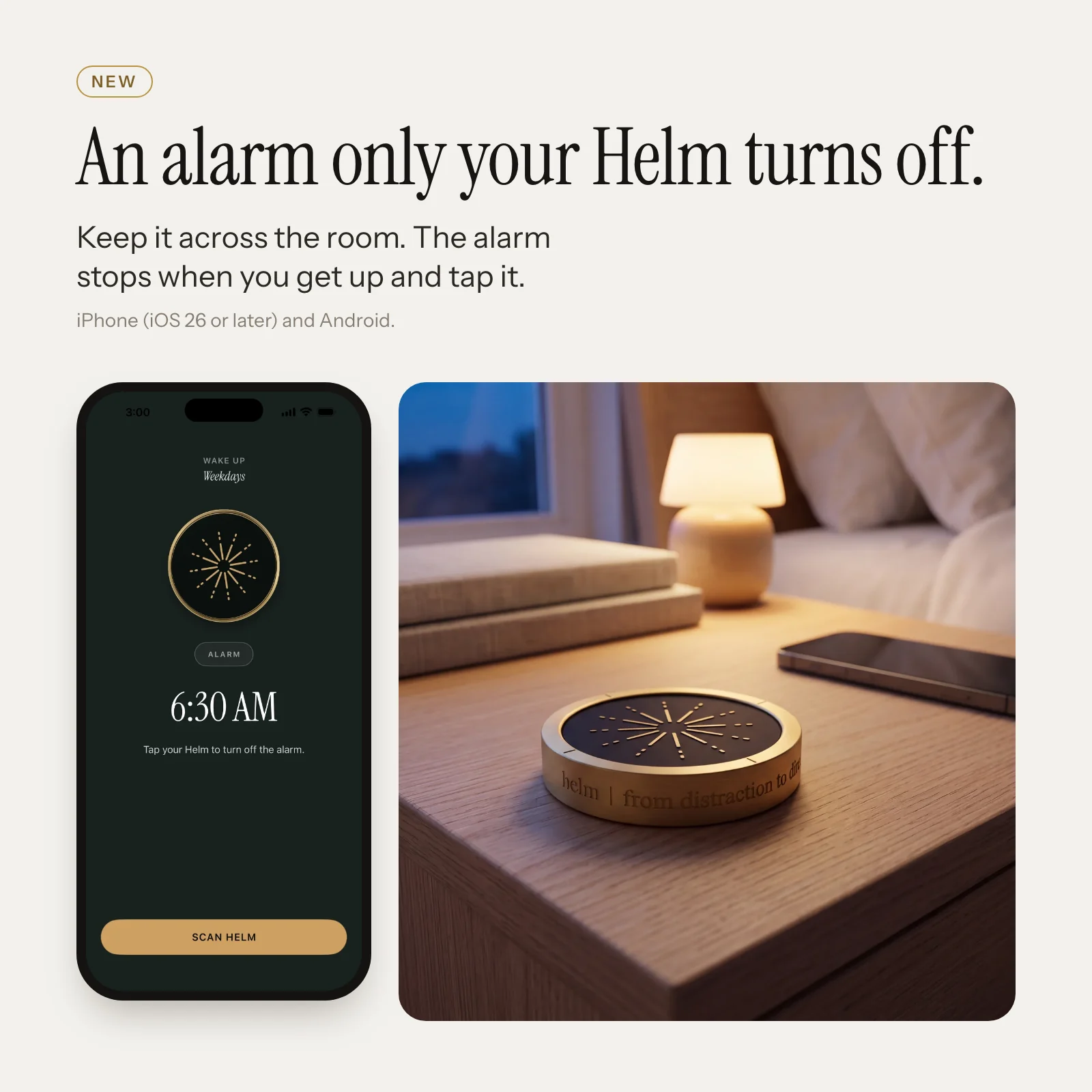
New
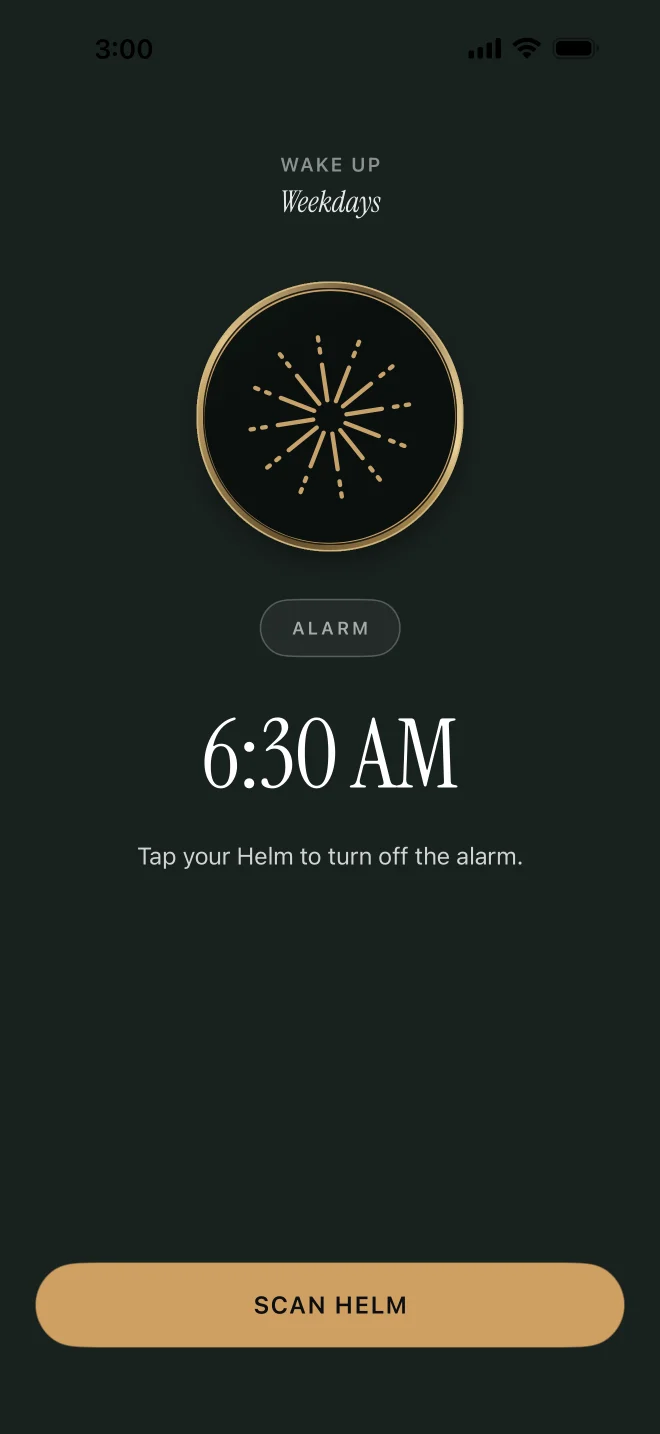
Keep your Helm across the room. The only way to stop the alarm is to walk over and tap it.
Turn on Lock all my apps and nothing opens until you tap your Helm. Calls still work. Turn on Keep blocking and your apps stay locked after the tap, so you get up instead of scrolling.
On iPhone (iOS 26 or later) and Android.
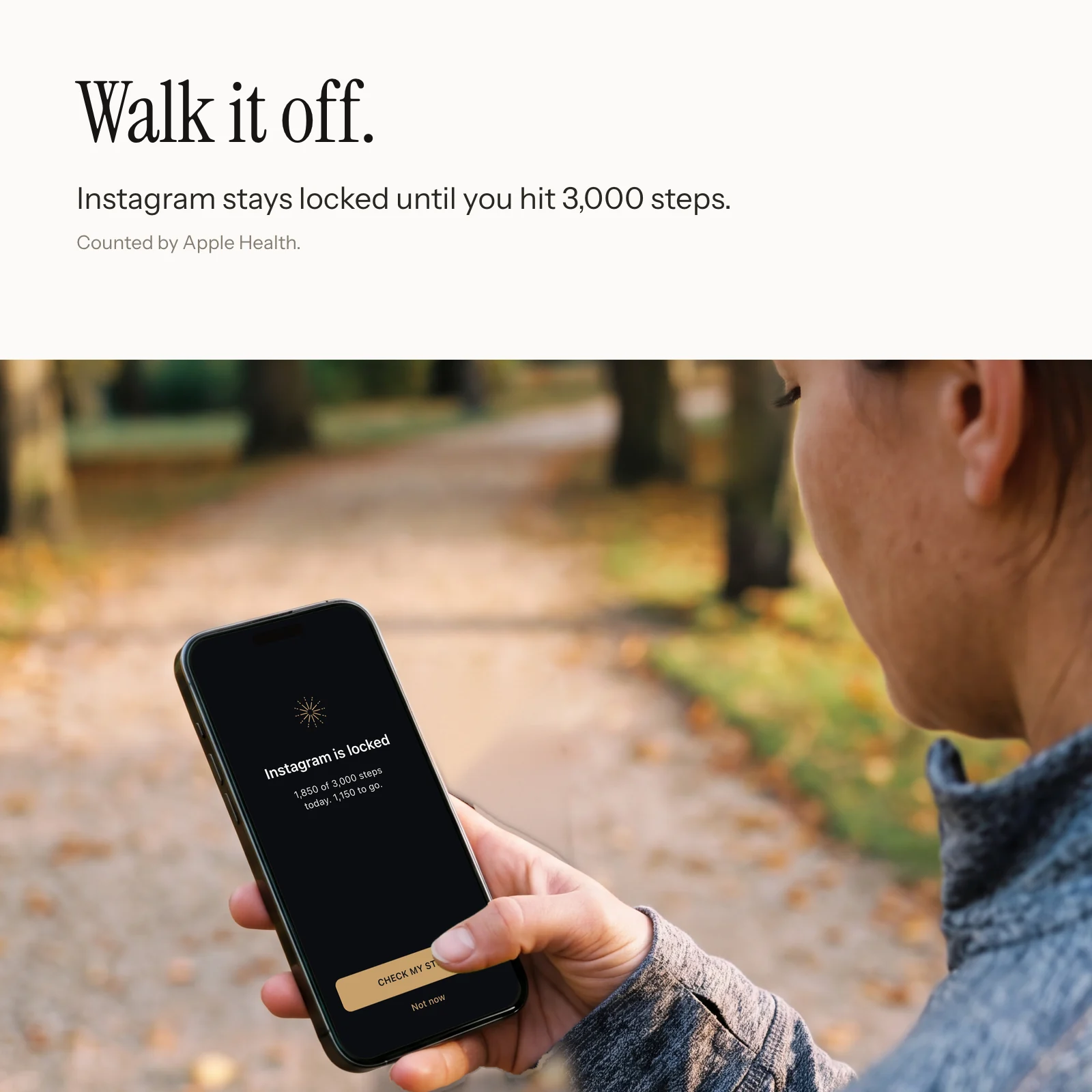
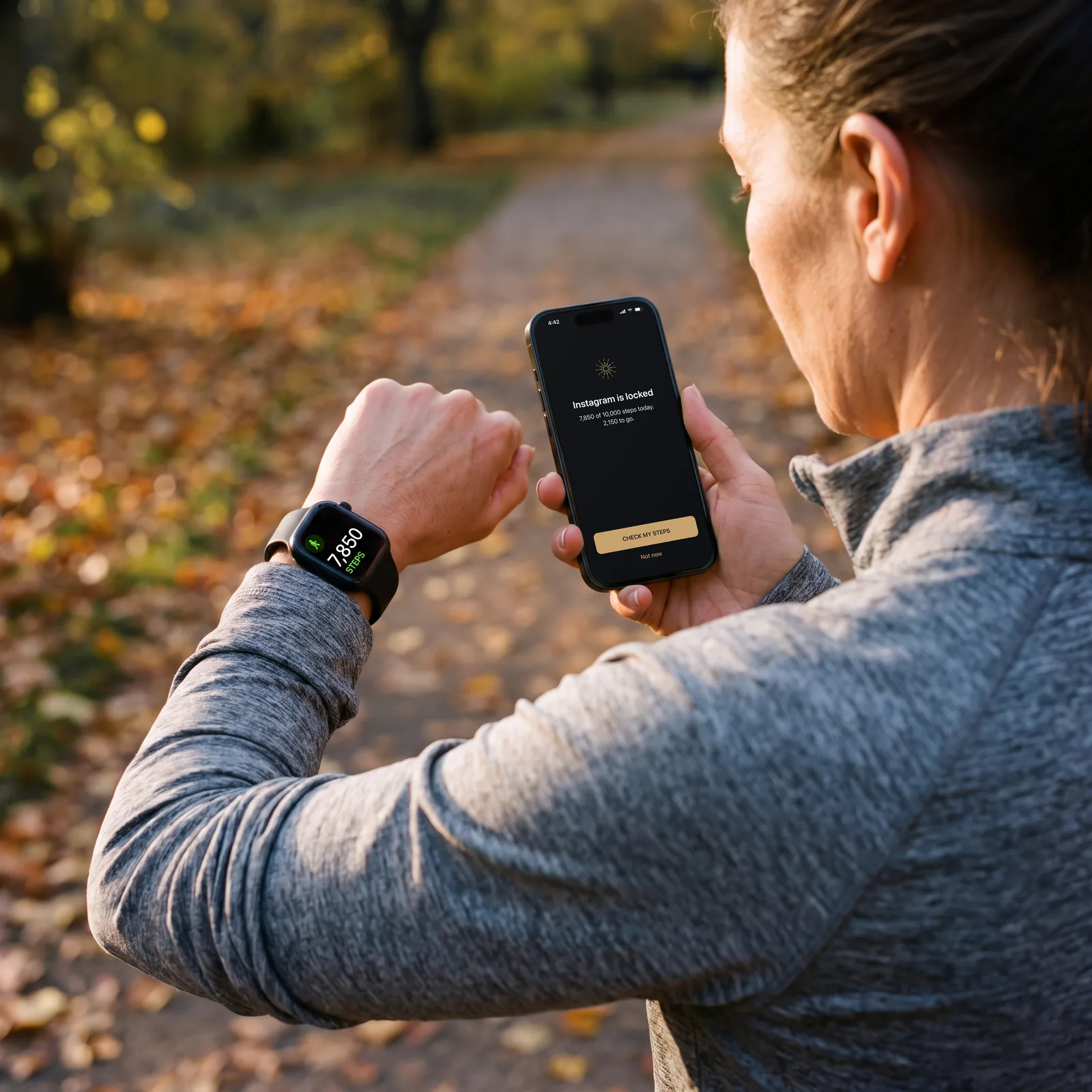
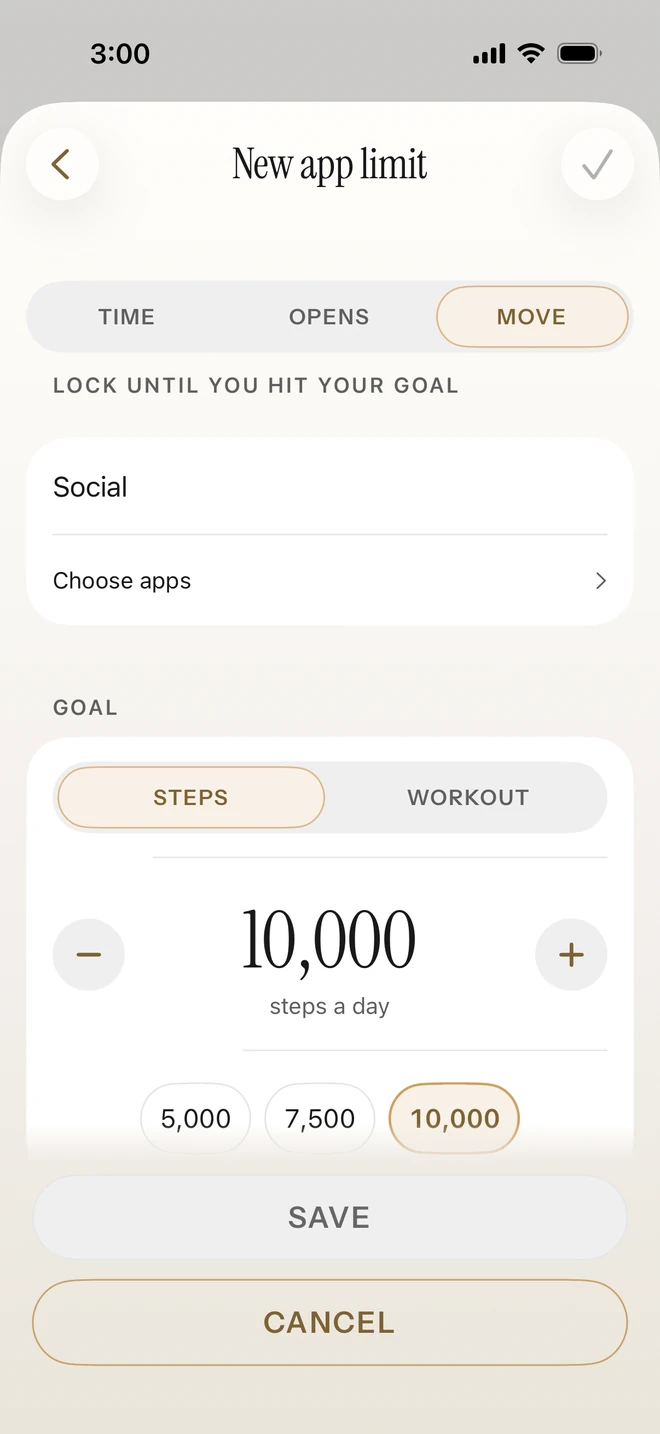
Tie your apps to your steps. Social apps can stay locked each day until you've walked 10,000 steps. Open Instagram before then and Helm tells you how far you have left to go.
A step goal can also end a focus session early, and so can exercise minutes or time spent focused. Helm reads the count from Apple Health. It never changes your Health data.
iPhone only, through Apple Health.
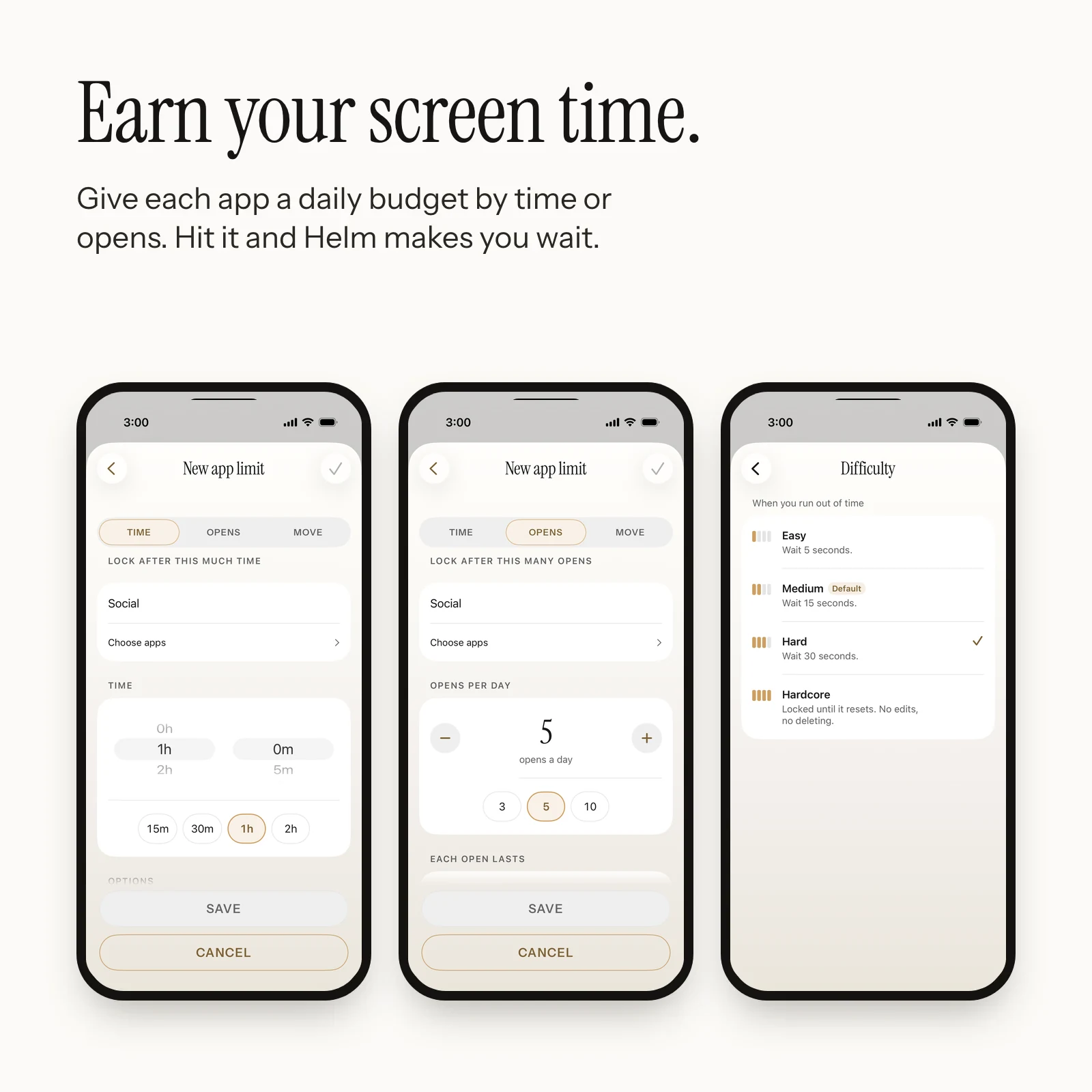
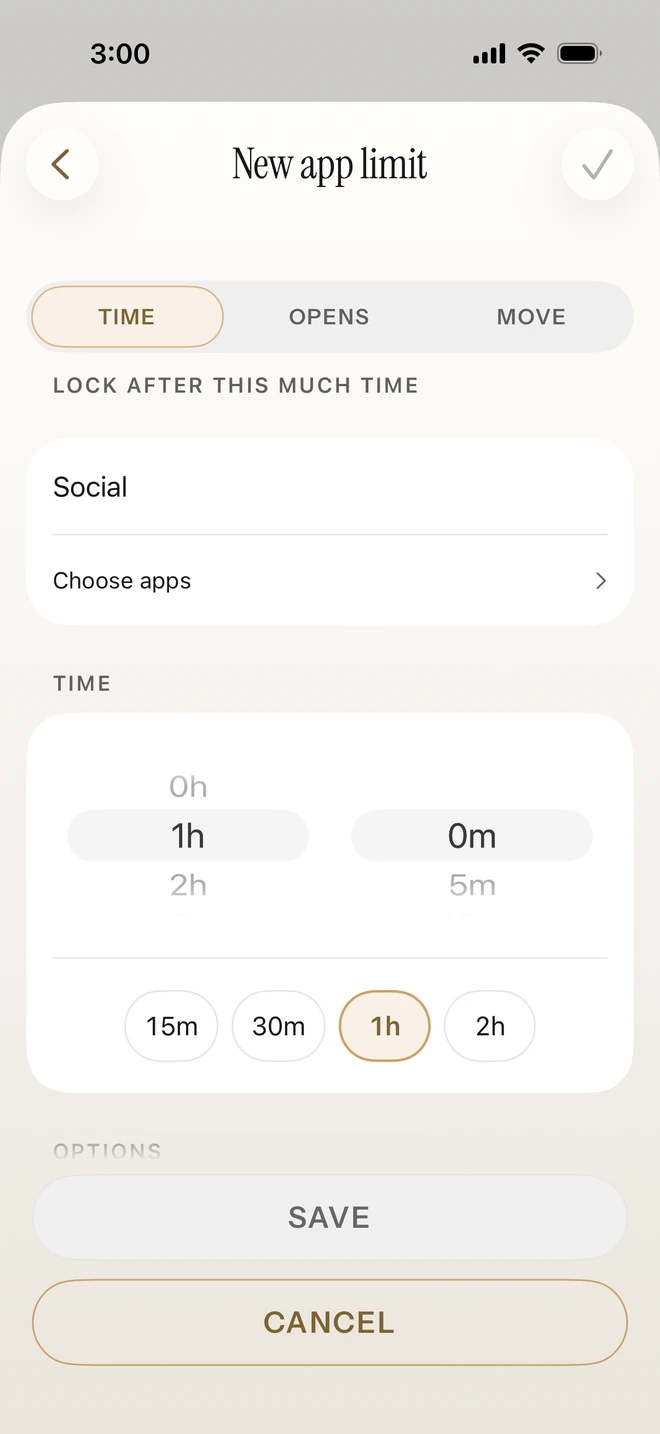
Give an app a daily budget by time or by opens. When you hit a limit, Helm asks you to breathe and wait before it lets you back in. The wait is 5 seconds on Easy, 15 on Medium and 30 on Hard. Hardcore stays locked until the limit resets.
Time and open limits on iPhone and Android.
Monday's discipline protects Friday's exhausted self. Pick the days and times, and Helm starts blocking on its own. When the schedule ends, your apps come back. Tap your Helm if you want to end one early.
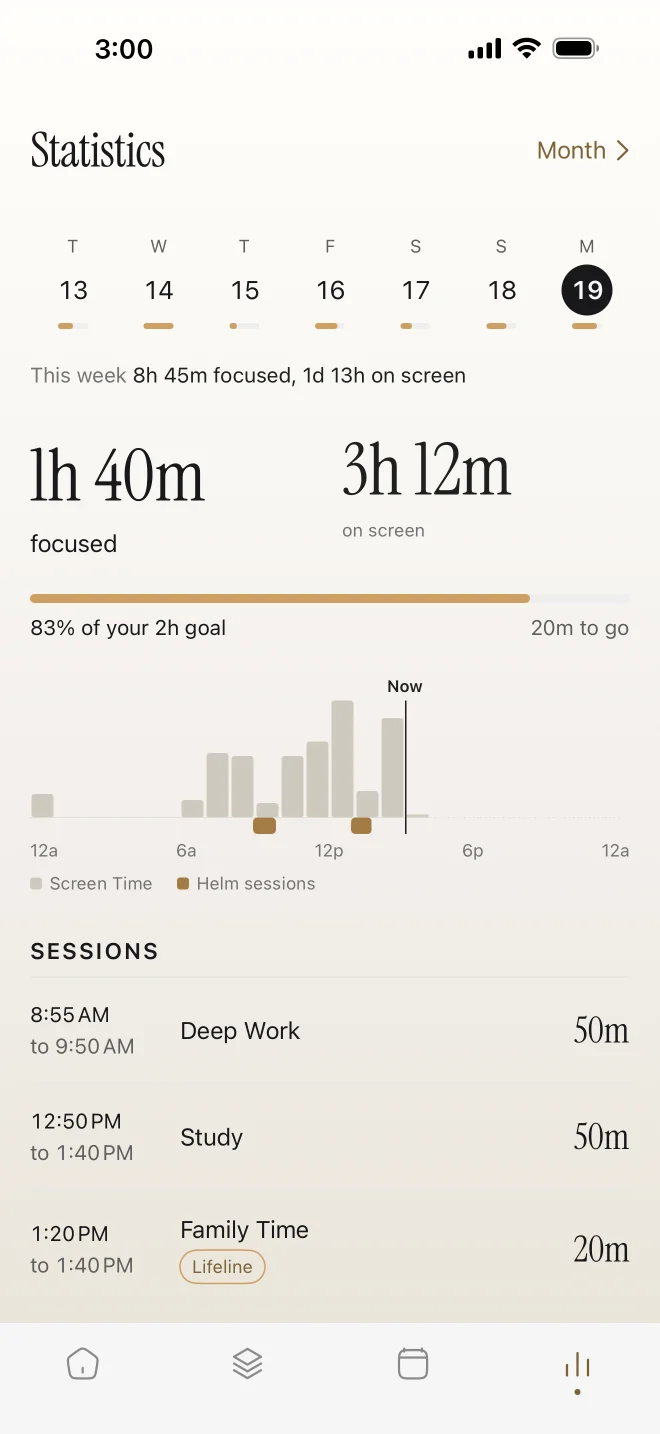
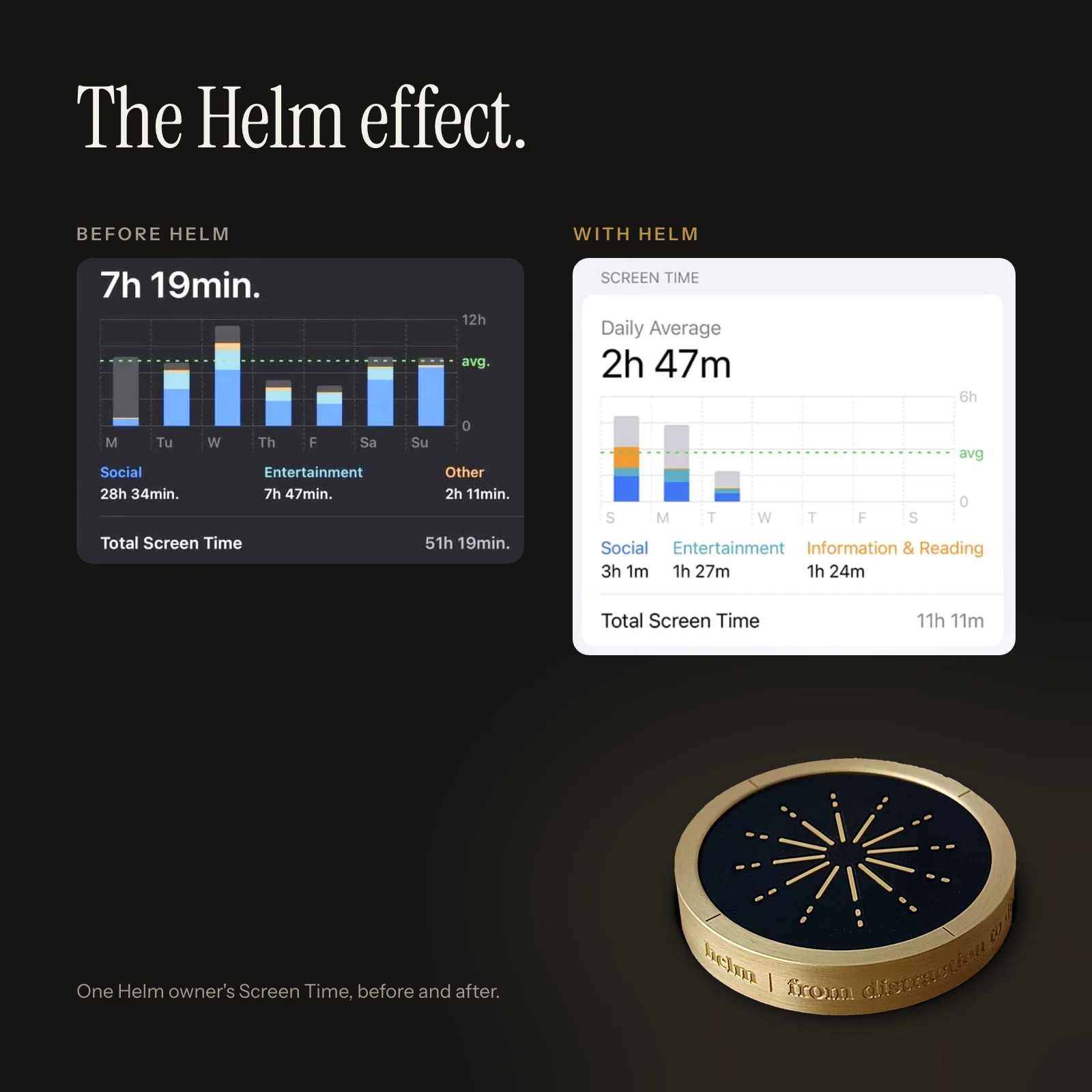
Your focus time sits next to your Screen Time for the same day, so you can see where the hours went.
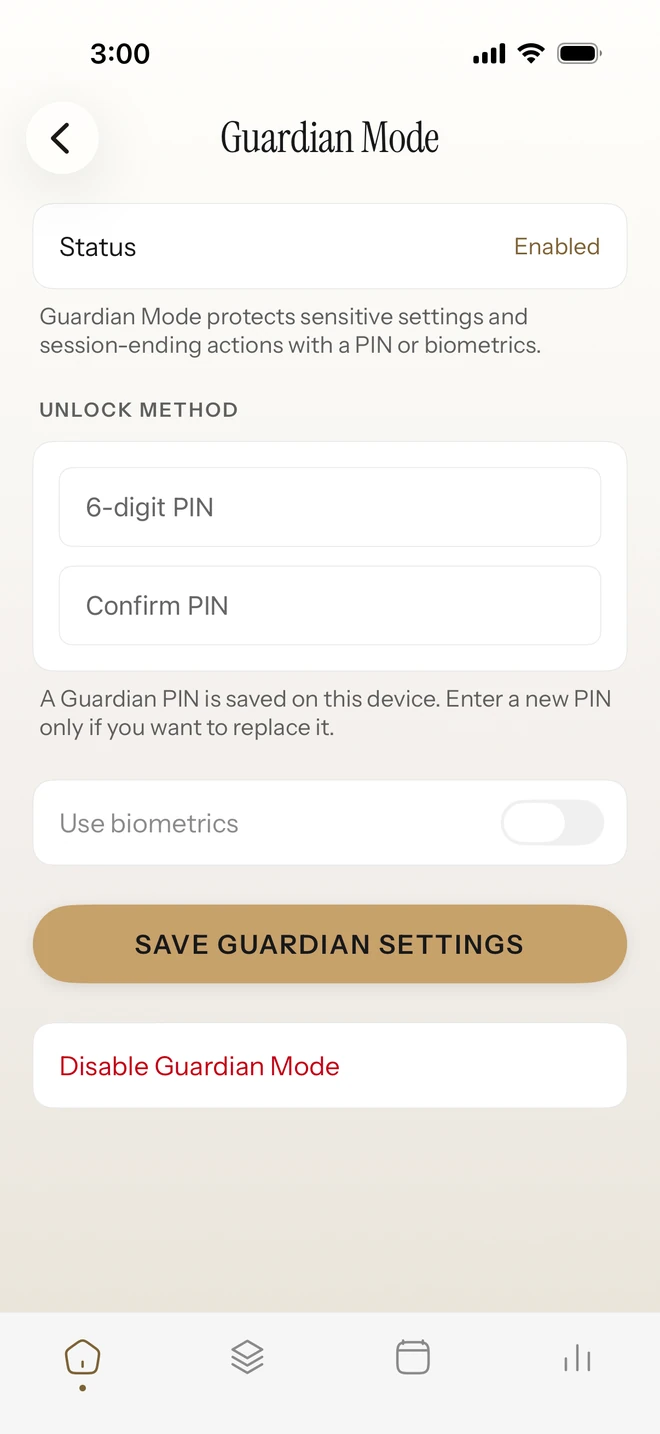
Guardian Mode asks for a PIN or Face ID before anyone edits a mode or ends a session early, and it can email a guardian when that happens. One Helm also works for a whole household, with a private profile for each person.
Remembering to start, resisting the tap, getting out of bed on time. Each of these asks you to hold a plan in your head while something easier is right there. Helm keeps the plan on your desk instead.
Helm is a focus tool. It isn't a medical device or a treatment for ADHD.
Lock the apps for the hours after school, so your phone stops competing with them.

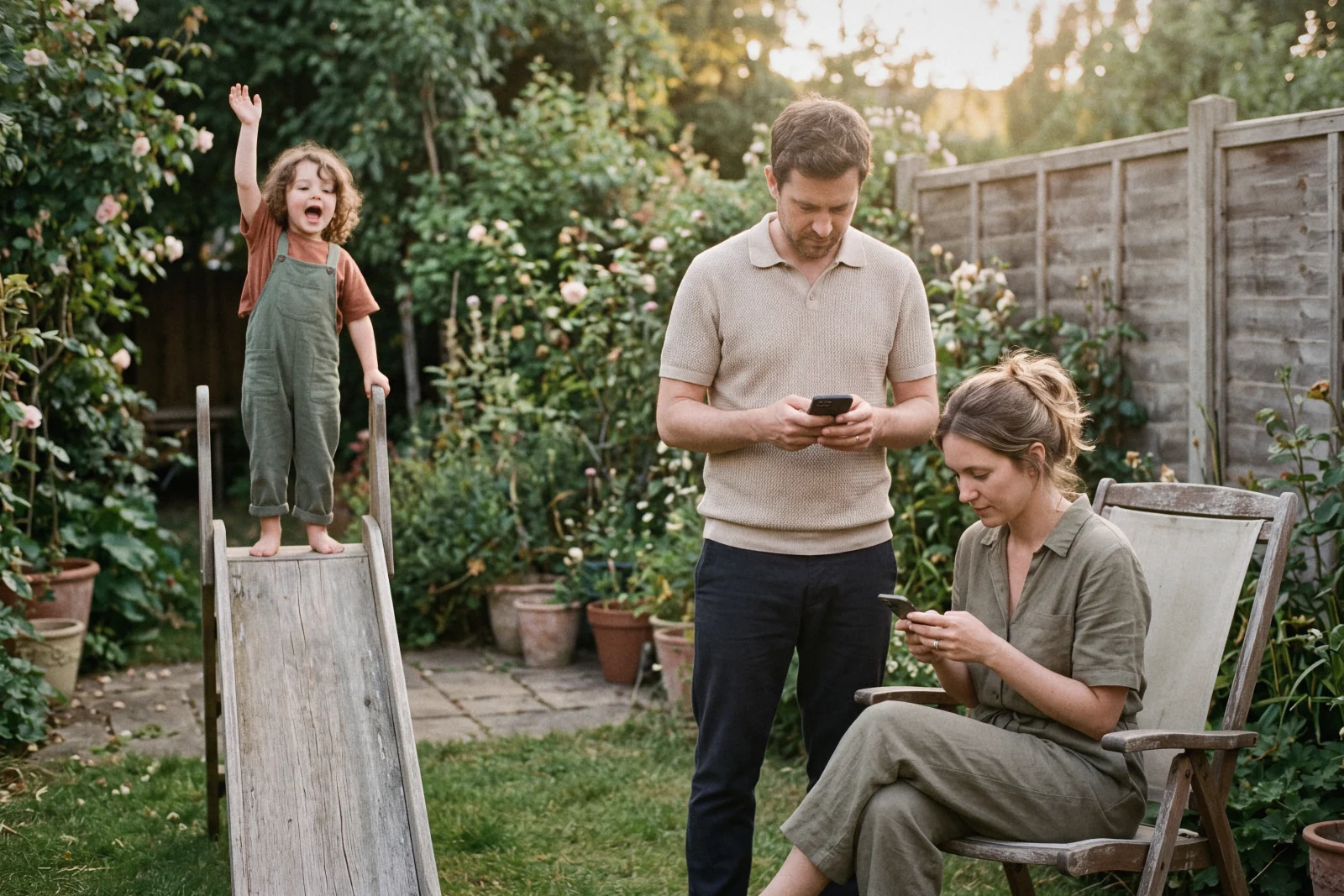
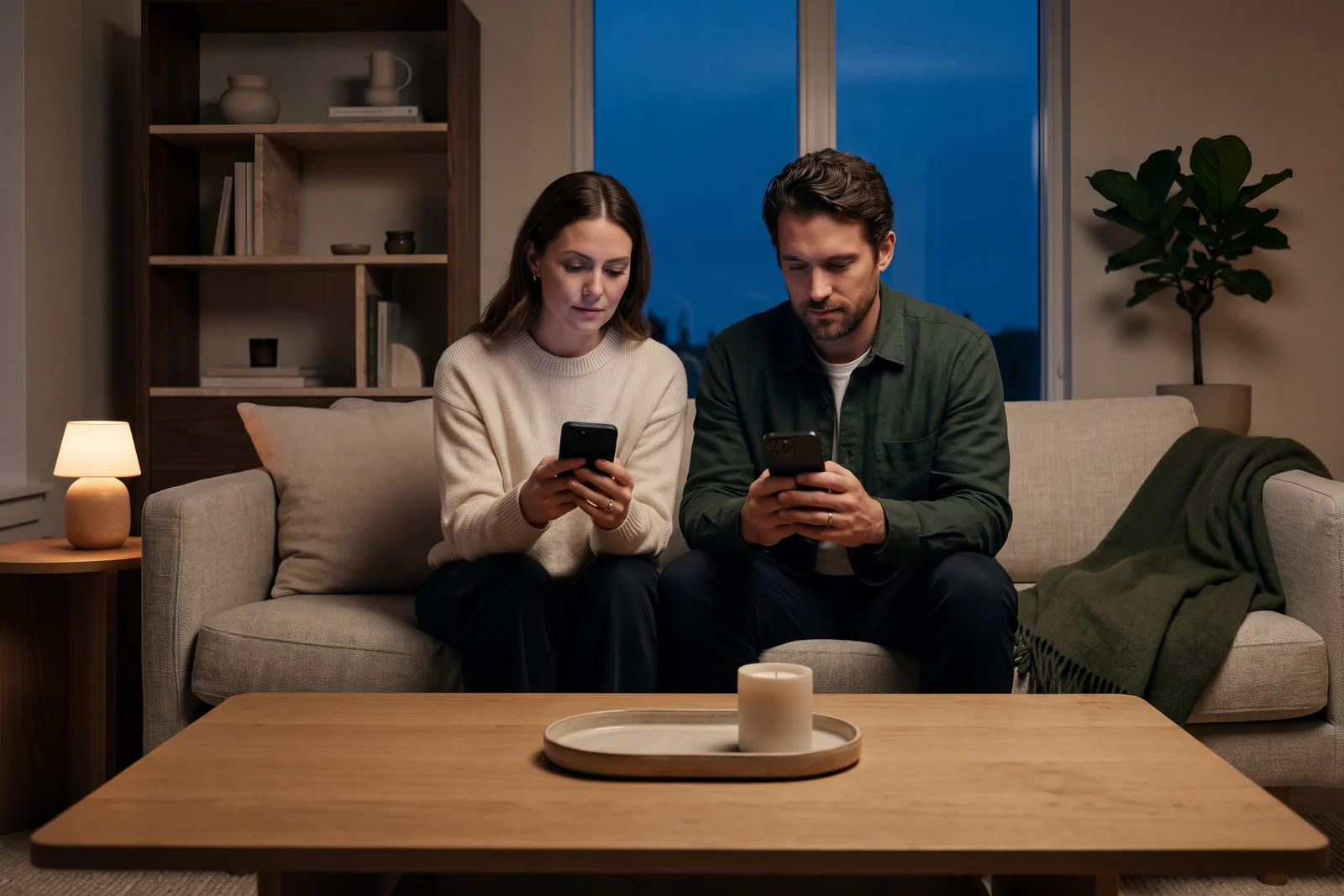
Same couch, same night. With the apps locked, the phones stay on the table.

Put study hours on a schedule and keep social apps shut until the work is done.
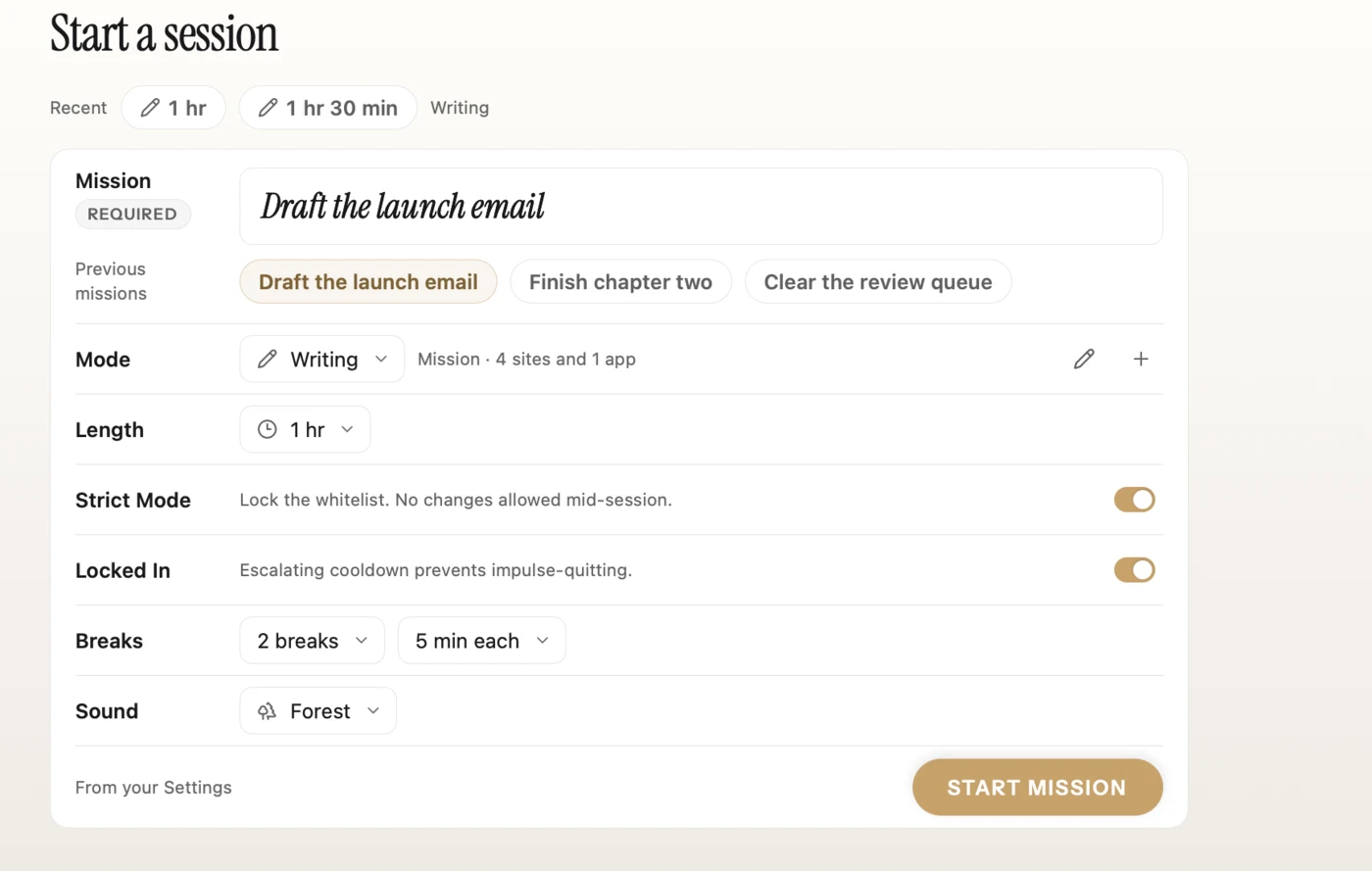
Mission Mode on your Mac keeps only the tools for the job open, and your phone stays locked beside it.
Nightstand phone, kitchen Helm = actual sleep. A bedtime schedule locks your apps on time, and the alarm only stops when you get up and tap your Helm.
Helm for Mac keeps distracting sites and apps shut while you work, and makes ending early cost something. Block Mode shuts out a list. Mission Mode leaves open only the tools you name.
14-day free trial. macOS 14 or later.
Most focus apps live inside the problem. Helm exists outside it.
| Helm | Brick | Opal | iPhone Screen Time | |
|---|---|---|---|---|
| Physical key | YesBrass | YesPlastic | No | No |
| Mac app | YesSold separately | No | Yes | YesBuilt in |
| App limits by time or opens | Yes | No | Yes | YesTime only |
| Apple Health integration | YesSteps and exercise | No | No | No |
| Alarm only the device turns off | YesiPhone and Android | No | No | No |
| End a session with a step goal | YesiPhone | No | No | No |
| Wait before unlocking | Yes5 seconds to locked | No | Hard Mode | Ignore button |
| Breaks during a session | Yes | No | No | No |
| Subscription for the phone app | None | None | Pro is $99.99 a year | Free |
| Price | $99 | $59 | Free, $99.99 a year, or $399 lifetime | Free |
| Android | YesWithout Health features | Yes | Yes | No |
Competitor details from their websites, October 2026.
5.0 from 11 reviews
Facebook, Instagram, YouTube, text messages… and the list goes on. After I purchased Helm it has really helped me with focusing on tasks and increasing my deep work. One feature I really like is that if you try to open one of the apps that is restricted during your focus time it won’t allow you to open it. And that’s what I needed. I’ve also noticed that the less time I spend on social media and mindlessly searching YouTube or the Internet the happier I am. The more time I’m able to focus on work the less stressed I feel because I’m able to complete everything without feeling rushed. If I end up watching a bunch of YouTube videos or being on Facebook or Instagram then what happens is the next thing I know time has passed and I’m like ‘Crap, I need to get my work done.’ And that increases my stress. So a massive thank you to Helm for helping me increase my deep work and my happiness. The Helm device is really cool looking and the unboxing experience is epic. Plus, I get the app for free for life. No extra monthly payments for it which is nice.
SeanVerified buyer
Reviewing BestSelf Helm Focus Device – Premium NFC-Powered Phone Distraction Blocker Physical App Blocker Tool for Deep Work, Our grandson has a hard time staying focused. He wants to improve but is challenged in doing so. He has been utilizing focus mode on his iPhone and finds it helpful, but it’s not enough. I saw tis and thought it would be worth a shot for him, since he has mentioned wanting better focus and ability to not be distracted. This is like focus mode on an iPhone, only you can customize it better and it is much harder to get around. I should note, he is a teenager. This is a device for teenagers and adults, not children. It was easy for him to set up the way he wanted it and he was able to set a schedule, so he doesn’t need to go in and customize it every day, although, if he is doing a big project and doesn’t want to get sucked in to videos or distractions, he can set it as a one off focus for that time only. It also tracks his focus and gives him real time stats. He loves it and he’s had several friends inquire about the helm also! It is well worth the money for him and his self-confidence has shot up since he’s been able to focus on what he wants to focus on, rather than doom scrolling all day. It is a little pricey but other than that, I think it’s a great device. I am not removing any stars for the price because I believe for someone who has a true focus issues, like our grandson, the price is worth it for them.
Summer
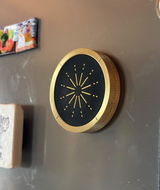
The struggle to find a balance between working on social media and reducing screen time was real! I tried different time-limits apps but never worked for me (I'd just ignore them!). I gave this device a shot and so far... it's really working well for me, it's not letting me go into that autopilot scrolling mode anymore. Oh and I loved its precious design on my fridge!
Yesika
You can, and some free apps work with any tag. Helm's app only accepts your Helm, so a spare sticker can't end a session early. You also get the alarm, the Apple Health unlock, app limits and Guardian Mode in one app with no subscription.
Get a new Helm and pair it to your account in the app. Until it arrives, an emergency lifeline or an alternative unlock goal can end a session.
No. There's no battery inside, so there's nothing to charge.
Not for the phone app, on iPhone or Android. The device is the key. Helm for Mac starts with a 14-day free trial.
Any iPhone that runs iOS 17 or later. The alarm needs iOS 26. iPads don't have the NFC reader Helm needs.
Yes. Tap your Helm, reach an alternative unlock goal, or use one of your monthly emergency lifelines. With Guardian Mode on, ending early needs a PIN or Face ID. Calls always work.
Yes, with fewer features. The Android app has focus sessions, app limits and the alarm. Step goals are iPhone only, because they read your steps from Apple Health.
Yes. Each person gets a private profile on the same Helm.
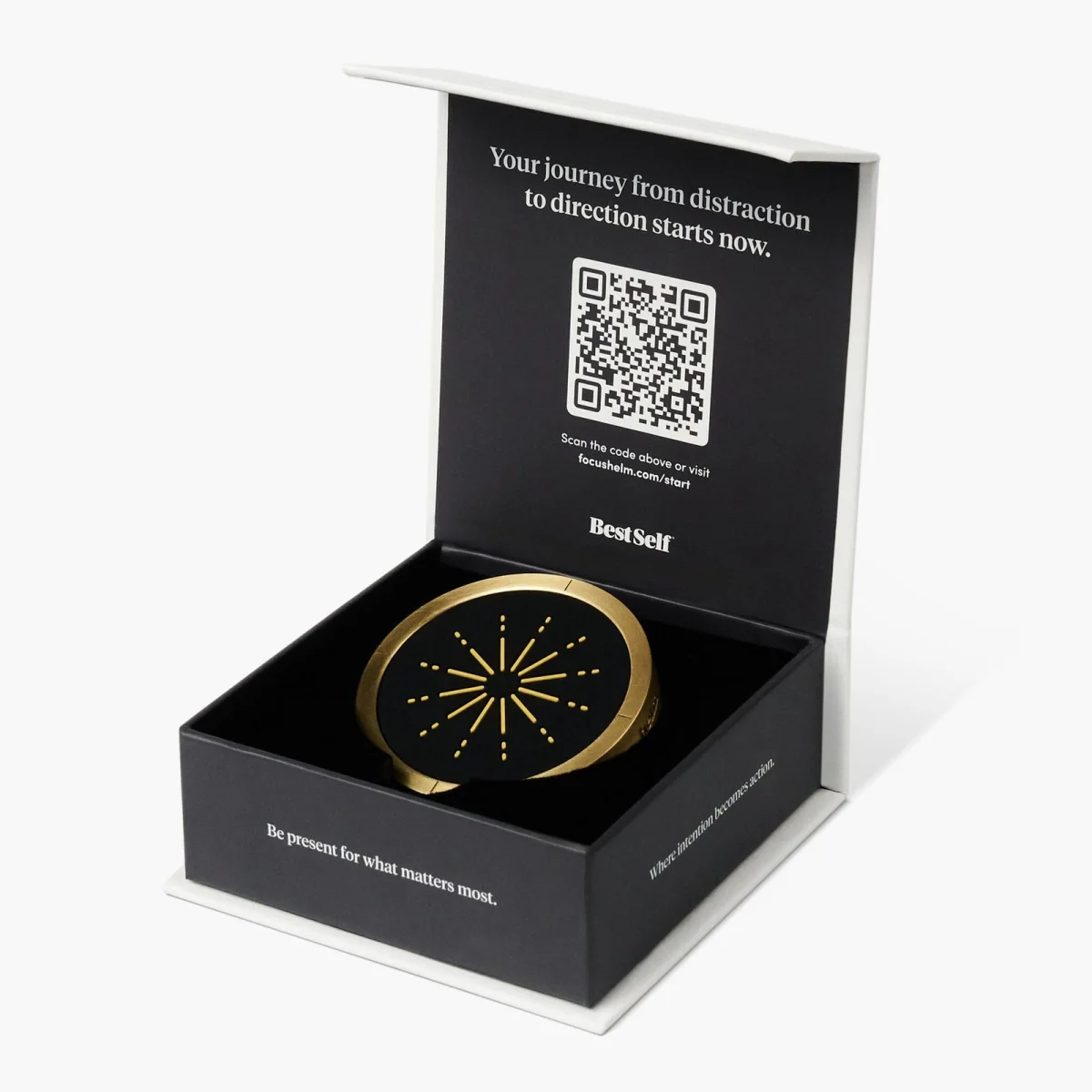
One purchase. Zero subscriptions. Lifetime of focus.
Free gift: the Focus Stack, five playbooks for deep work, ADHD, parents, couples and burnout.
30-day returnsFree US shipping